Man Command Provide the user manual Interface. This Interface Help To Read Manual Page references of Any Command Inside Your Terminal.
Syntax
man [OPTION]... [COMMANDS]...Example:
man lsResult:
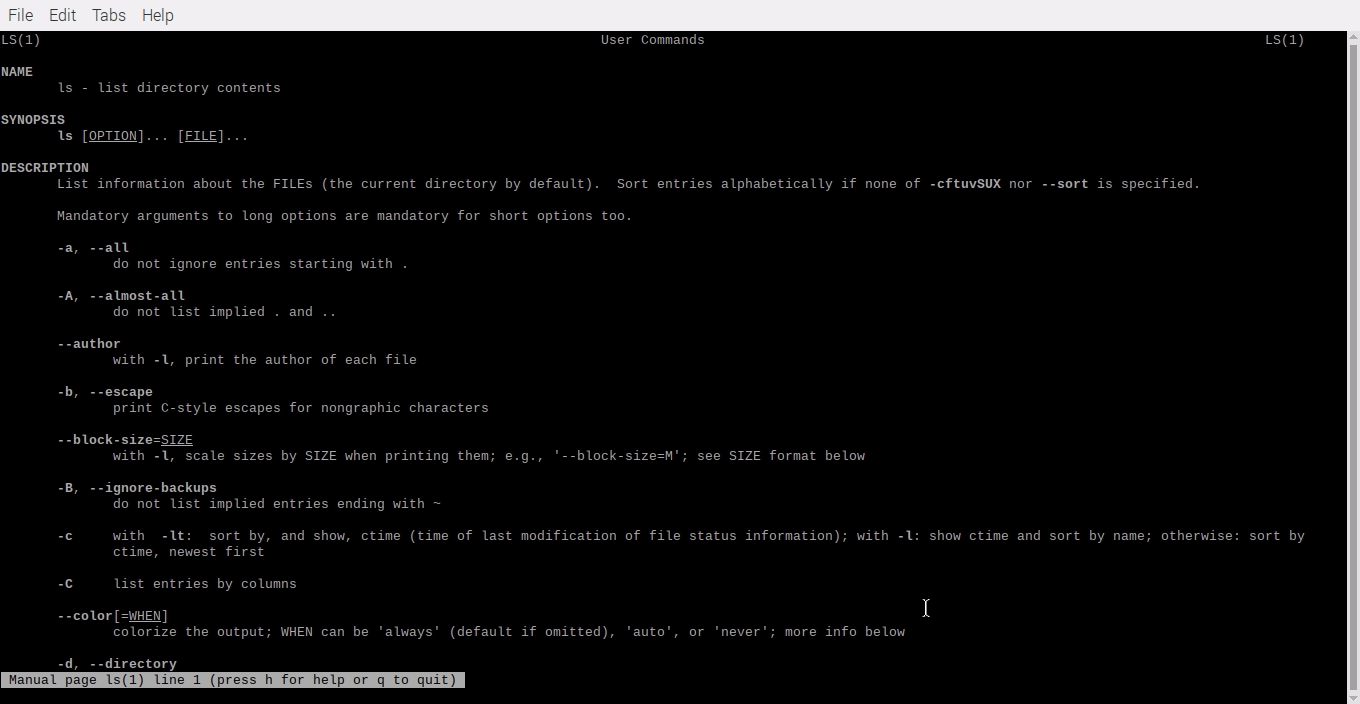
- Press q inside your terminal. You Quit The Command And Return.
- Press h Read Summary of Commands
Options
man -w
This Flag Doesn’t display any manual pages but prints the locations Of Command, Which Place Save Inside Your Laptop.

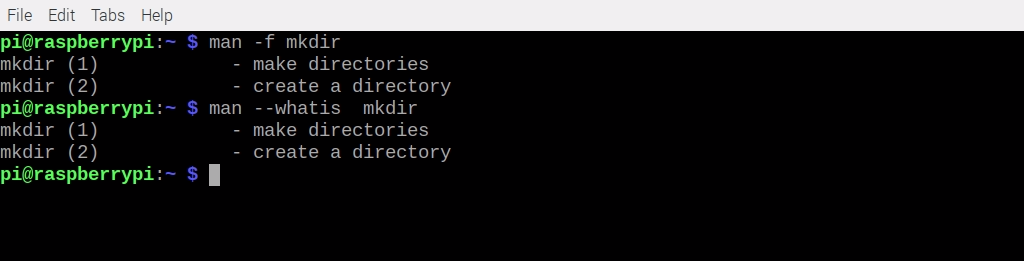
man -f or man --whatis
This Flag Show You a short description from the manual page if a Description is available.
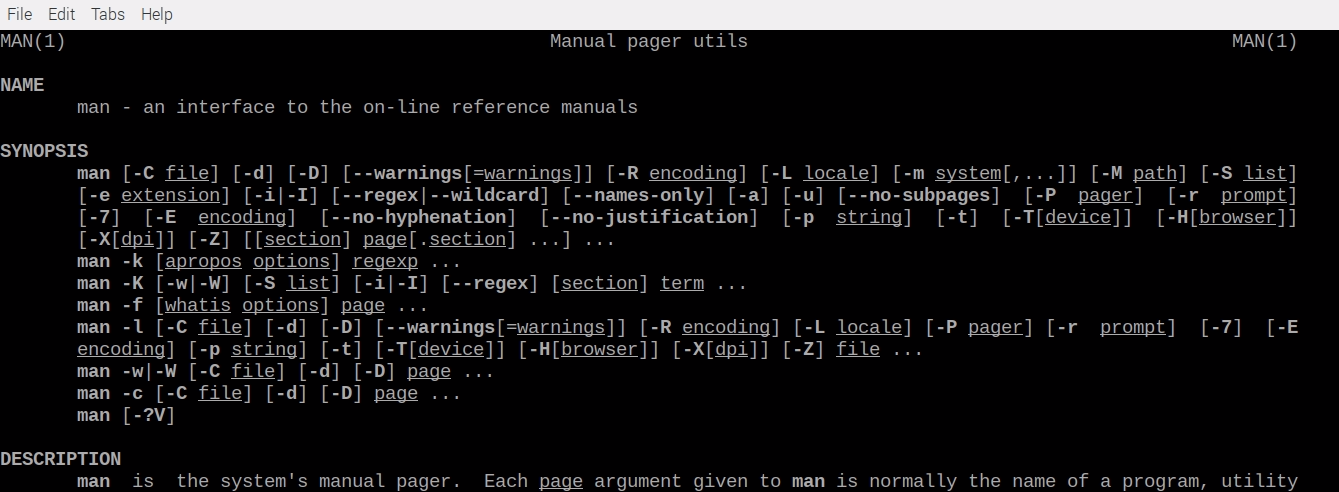
man man
this way, You Read also man Command Manual Page Information.
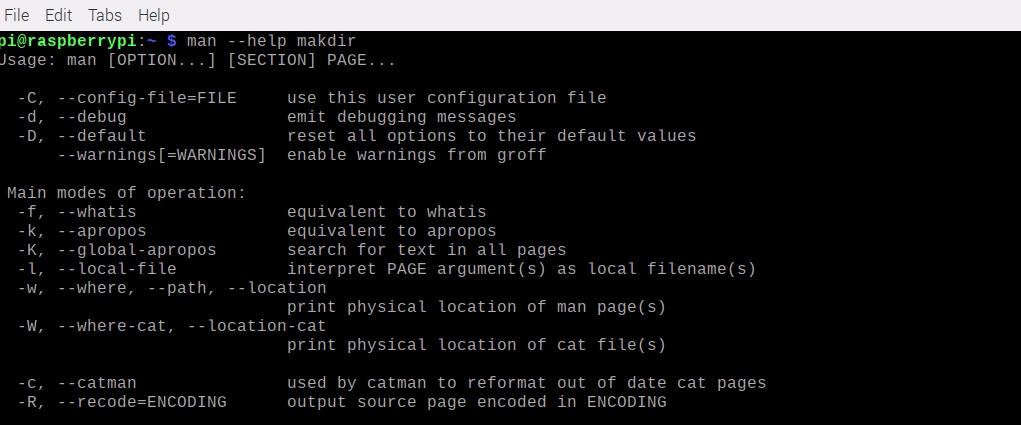
man --help
This Flag Provides You help page document About man Command.
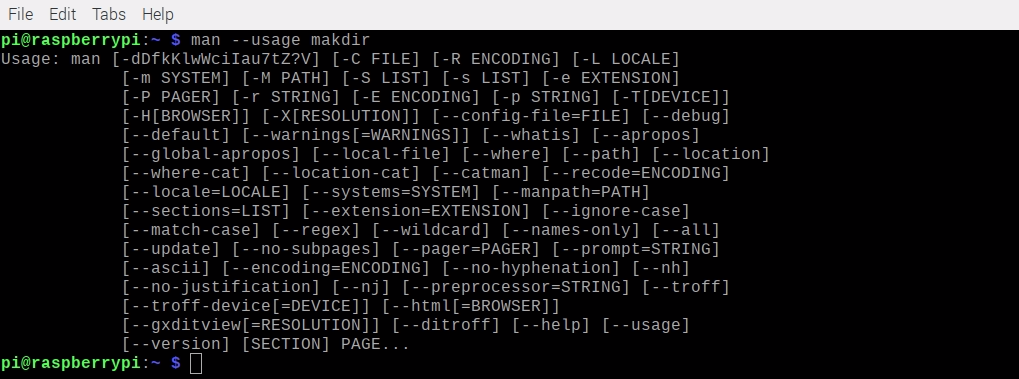
man --usage
This Flag gives you a short usage message about the Command.
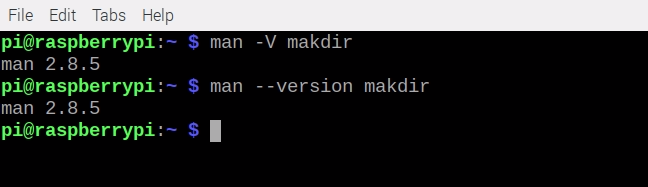
man -V or man --version
This Flag print man Command version In You Terminal.
Note
- Man Command Provide Lots Off option We Recommend You Visit Command Man Page for Learn More
- Quit man Command simple use q for quit or Exit Command.use Keyboard arrow keys use For Scroll Page up for page up↑ and down for page down↓ keys.